Business Card Scanning Guides
Practical guides for turning scanned cards into contacts, spreadsheets, and CRM records.
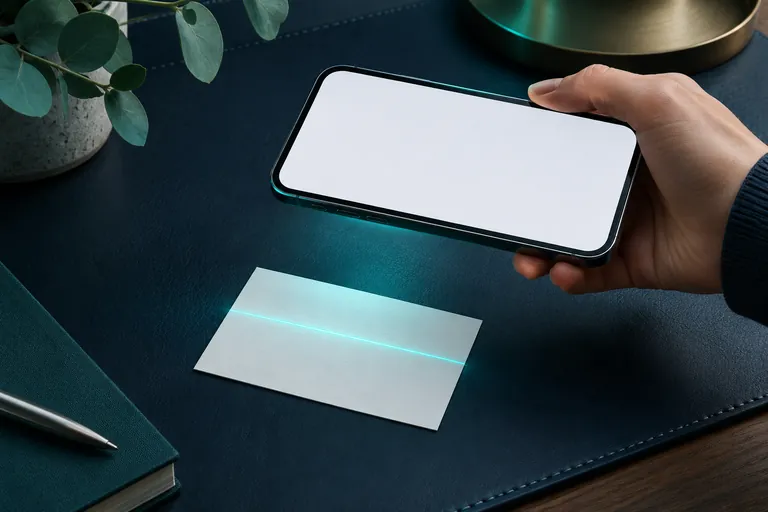 How to Scan Business Cards Straight to iPhone ContactsFrom camera to auto-extracted fields to one-tap save, with tips for batch-scanning a stack of cards.
 How to Get Business Cards Into Excel as a CSVBatch-scan cards, export a CSV, and open it in Excel or Google Sheets. No online converter needed.
 How to Organize Business Cards DigitallyTag cards by event or industry, search by name or company, and run a 24-hour follow-up routine after networking.
 What Makes the Best Business Card Scanner App? A ChecklistA neutral privacy checklist: offline OCR, no forced account, data location, export freedom, tags, and field coverage.
 How to Get Scanned Business Cards Into Outlook or a CRMExport a vCard or CSV from Scard, then import it into Outlook or any CRM using their own import tools.
Clear Your Card Stack Before You Leave the Room
Stop transcribing business cards by hand. Scard reads every field on-device, saves to your iPhone Contacts with one tap, and exports to CSV or vCard when you need it. No account, private by design. Free to download on the App Store.

Free to download · iOS 17+