
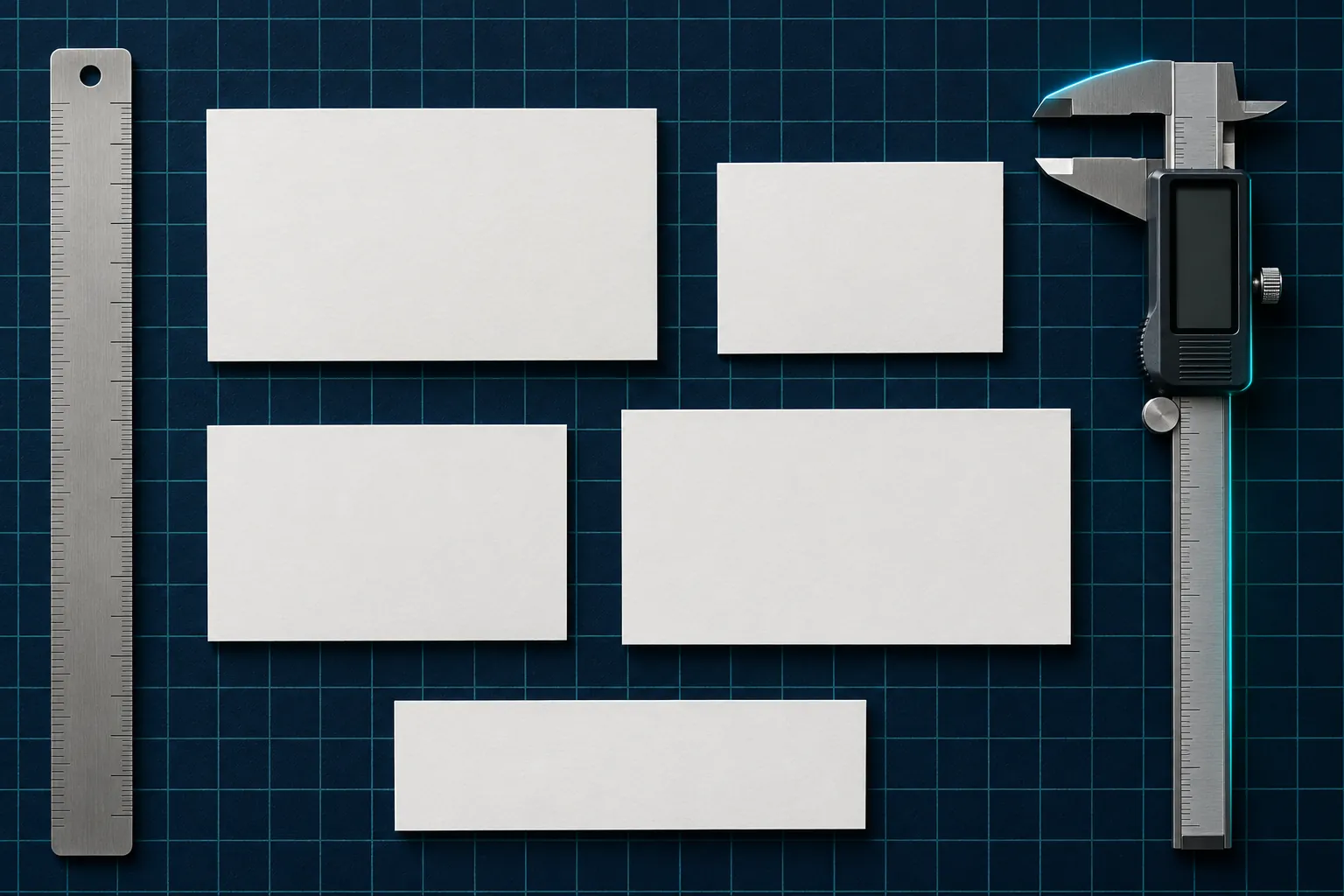
The standard business card in the United States and Canada is 3.5 × 2 inches (88.9 × 50.8 mm). Most of Europe uses 85 × 55 mm, and Japan, China and Australia each have slightly different common sizes. If you design one card for international use, a size close to 3.5 × 2 inches or 85 × 55 mm will fit most card cases and wallets.
What are the standard business card sizes?
These are the sizes most printers and design templates use. The inch and millimeter values are converted from the primary measurement of each region and rounded.
| Standard or region | Millimeters | Inches |
|---|---|---|
| US and Canada | 88.9 × 50.8 | 3.5 × 2 |
| ISO / common in Europe | 85 × 55 | 3.35 × 2.17 |
| ISO 7810 ID-1 (credit-card size) | 85.60 × 53.98 | 3.37 × 2.13 |
| Japan | 91 × 55 | 3.58 × 2.17 |
| China | 90 × 54 | 3.54 × 2.13 |
| Australia | 90 × 55 | 3.54 × 2.17 |
The ID-1 format is the size of bank cards and ID cards, defined in the ISO/IEC 7810 standard. Business cards are not required to follow it, but because 85.60 × 53.98 mm is close to 85 × 55 mm, a European-style card is almost the same size as a credit card. Regional sizes are only conventions, so a printer may offer slightly different cuts.
What are business card dimensions in pixels?
Pixels depend on resolution. Print designers commonly work at 300 dpi (dots per inch), which gives sharp text and images on paper. Multiply the inch size by 300, or divide the millimeter size by 25.4 and multiply by 300, and round to whole pixels.
| Size | Pixels at 300 dpi |
|---|---|
| US and Canada, 3.5 × 2 in | 1050 × 600 |
| ISO, 85 × 55 mm | 1004 × 650 |
| ISO 7810 ID-1, 85.60 × 53.98 mm | 1011 × 638 |
| Japan, 91 × 55 mm | 1075 × 650 |
| China, 90 × 54 mm | 1063 × 638 |
| Australia, 90 × 55 mm | 1063 × 650 |
These are trim sizes, meaning the final cut card. Add bleed, covered next, to the file you send to the printer. For a quick screen preview, 1050 × 600 px is a convenient US-size canvas, but do not use a low-resolution image for printing: at 72 dpi a US card would be only 252 × 144 px and would look soft on paper.
What are bleed and safe area?
Printers cut large sheets into cards, and the blade never lands exactly on the line. Two margins protect your design from that variation.
- Bleed: extend backgrounds and images past the trim edge so no white sliver appears if the cut is slightly off. A common amount is 0.125 in (about 3 mm) on each side. For a US card with that bleed, the file is 3.75 × 2.25 in, which is 1125 × 675 px at 300 dpi.
- Safe area: keep text, logos and anything important inside the trim edge by a margin, commonly around 0.125 in or more. Text close to the edge risks being clipped or looking cramped.
Printers publish their own templates and requirements, and they vary, so download the template from your printer before you finalize the file.
What about vertical business cards?
A vertical (portrait) card uses the same dimensions with the width and height swapped, for example 2 × 3.5 in. It stands out and suits a creative or boutique brand. The trade-offs are practical: it may not slide into a standard card holder neatly, and some people find it awkward to read in a stack. If you choose vertical, keep the layout simple and test how it looks in a card case.
Do other card shapes and thicknesses matter?
Rounded corners, square cards and thick stock all exist and are available from many printers. They look distinctive, but they may not fit standard holders or scanner guides. For a card whose main job is to be read, stored and digitized, the standard rectangle is the practical choice.
Does the size of the card matter for scanning?
Hardly, within the common range. Scard shows a card frame in the camera view and detects the card edges; you then adjust the crop with corner handles before saving. That means a US, ISO, Japanese or Australian card, in landscape or portrait, can be framed and cropped, so you do not need to match a fixed size. The more useful question is whether the text is legible, which is a design matter.
How do I design a card that scans well?
People read cards on paper, but more and more of them photograph or scan the card to save the contact. A few choices make that easier without making the card less attractive.
- Contrast: dark text on a light background is the safest. Light text on a dark background works, but low contrast, such as gray on silver, causes misreads.
- Font size: body details such as phone and email are commonly set at around 7 to 9 pt. Going smaller makes characters blur in a photo. A clear, simple typeface beats an ornate script for contact details.
- Busy backgrounds: avoid placing text over photos, patterns or gradients. Keep contact details on a plain area.
- Finish: matte stock scans better than glossy or foil, which reflect light. If you like a glossy look, apply it to the logo or the back, not to the text areas.
- Layout: group name, title, company and contact details in a predictable order, one item per line.
The scanning tips post covers the reader’s side of the same problem, and the scanner app checklist helps you choose a tool.
How do I check my own card before printing?
Print one copy on plain paper at 100 percent scale and hold it next to a card you already own. Check that every line of text is readable at arm’s length, that nothing sits too close to the edge, and that the phone number and email are correct. Then photograph the proof with your phone, as someone at a trade show might, and see whether you can still read every detail. A few minutes with a proof is cheaper than a reprint of a thousand cards.
Mini-FAQ
What size is a business card in inches?
3.5 × 2 inches in the United States and Canada. In ISO countries it is commonly 85 × 55 mm, which is about 3.35 × 2.17 inches.
What resolution should a business card file be?
300 dpi is the usual target for print, with bleed added around the trim size. Ask your printer for its template and accepted file formats.
Can I use a US-size card in Europe?
Yes. The sizes are close enough that a card in either format works day to day; it is just a little wider and shorter than the ISO one.